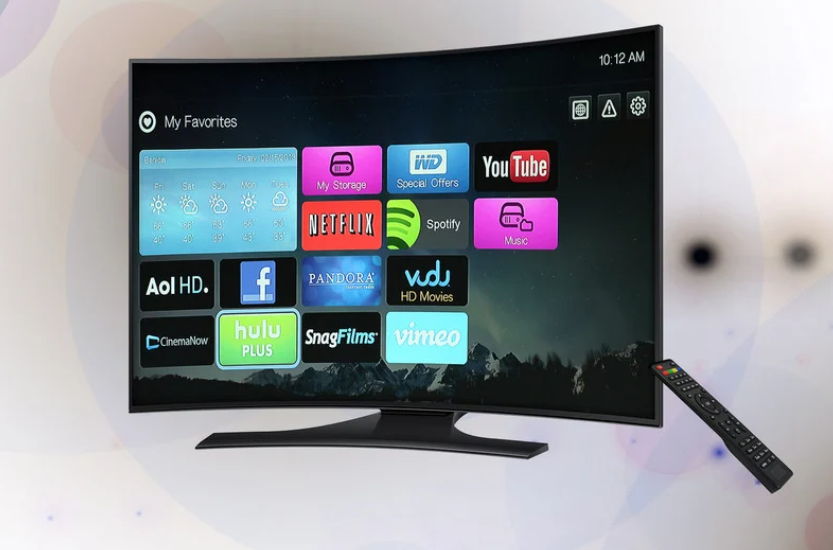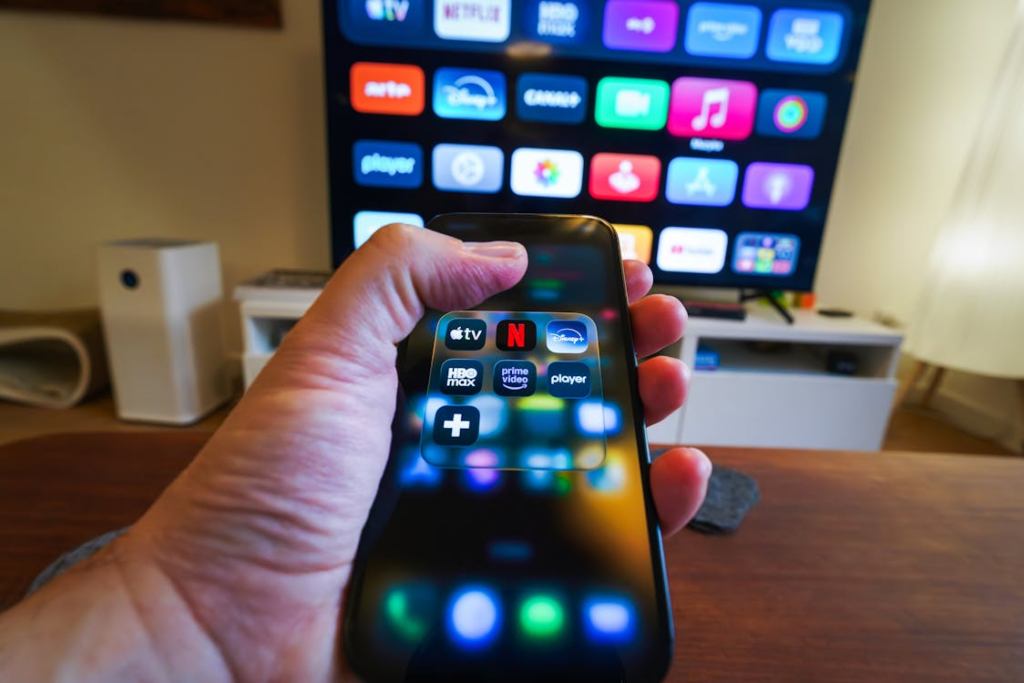

Streaming was supposed to save money compared to cable, but for many households in 2026, the total cost has quietly crept back up.
With multiple subscriptions, premium upgrades, and add-ons, it is easy to lose track of how much you are actually spending. The real challenge is not just choosing services, it is understanding the full monthly impact.
How Streaming Costs Add Up
Most streaming services charge between $5 and $20 per month, depending on the plan. Individually, that seems affordable. The problem starts when you stack multiple subscriptions.
A typical household might subscribe to platforms like Netflix, Hulu, and Disney+, as well as a live TV service or a music platform. Suddenly, what started as a simple setup can exceed $80 to $120 per month.
Premium tiers increase costs even further. Ad-free plans, higher streaming quality, and additional users all come at a higher price. These upgrades often feel small individually but add up quickly over time.
See Best Streaming Bundles That Actually Save You Money for lower-cost package ideas.
Hidden Costs You Might Be Overlooking
Beyond subscriptions, there are additional costs that are easy to miss.
Device upgrades, such as smart TVs or streaming sticks, can increase your overall spending. While these are often one-time purchases, they still contribute to the total cost of your setup.
Internet service is another major factor. Streaming requires reliable, high-speed internet, which may incur a monthly fee or require a higher-tier plan.
Add-ons within streaming platforms, such as premium channels or extra features, can also increase your bill without being immediately obvious.
Check Best Internet Plans for Streaming Without Buffering before upgrading your plan.
Ad-Free vs Ad-Supported Spending
Choosing between ad-supported and ad-free plans directly affects your monthly cost.
Ad-supported plans reduce your expenses but include interruptions. Ad-free plans offer a smoother experience but cost more.
Many users mix both options. They choose ad-free plans for their most-used services and ad-supported tiers for secondary ones. This approach balances cost and convenience.
Understanding how these choices affect your total spending is key to managing your budget.
Bundles and Discounts: Do They Help?
Bundles can reduce costs, but only if they match your usage.
Carrier bundles from companies like Verizon, AT&T, and T-Mobile may include streaming services as part of a phone plan. These can save you money if they replace subscriptions you already pay for.
Standalone bundles from streaming platforms can also lower costs by combining services at a discounted rate.
However, bundles can backfire if they include services you do not use. In those cases, you are paying for extras that add no real value.
Compare Family Phone Plans Compared: Which Saves You the Most Money? for carrier bundle savings.
How to Reduce Your Monthly Streaming Cost
The most effective way to lower costs is to simplify your setup.
Start by reviewing your subscriptions. Cancel any services you rarely use. This alone can significantly reduce your monthly bill.
Consider rotating services instead of keeping them all active at once. Subscribe to one or two platforms, watch what you want, then switch.
Use free streaming options where possible. These services may include ads, but they can replace some paid subscriptions.
Finally, evaluate whether you need premium features. Downgrading from an ad-free to an ad-supported plan can provide immediate savings.
Explore Cheapest Streaming Setup for Cord Cutters in 2026 for simple savings ideas.
The Bottom Line on Streaming Costs
Streaming costs are not fixed; your choices shape them. The more services and features you add, the higher your monthly total becomes.
Many users are realizing that they do not need as many subscriptions as they thought. By focusing on what they actually watch, they can reduce both cost and complexity.
When you take a closer look at your spending, you gain control over your streaming setup. That is how you turn streaming back into a cost-saving alternative instead of an expensive habit.